Printable vs Digital Chore Charts: Which Actually Sticks in 2026?
- Jacob Volk
- Chores & Routines
- 14 Sep, 2025
- Updated 04 Aug, 2026
Why Compare Printable vs Digital?
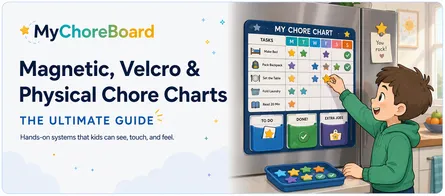
Printable chore charts have been a parenting staple for decades because they make responsibilities visible. A child can see the list on the refrigerator, add a sticker, make a checkmark, or physically interact with the routine.
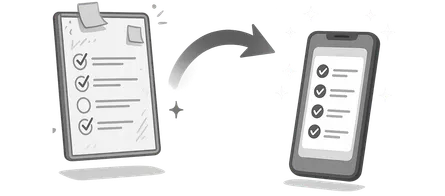
Digital chore charts solve a different problem. Once schedules change, several children need different assignments, or points and rewards become part of the system, an app can remember the repetitive work instead of asking a parent to rebuild the chart every week.
Parents are often deciding whether to stick with paper or make the leap to digital. The real question is still the same one this article originally asked:
Which system will your family actually keep using?
There is no universal winner. A simple printable can be the best permanent solution for one family, while another family may need the automation and engagement of a digital chore app.
For the broader strategy, see Chore Chart for Kids: The Complete Guide.
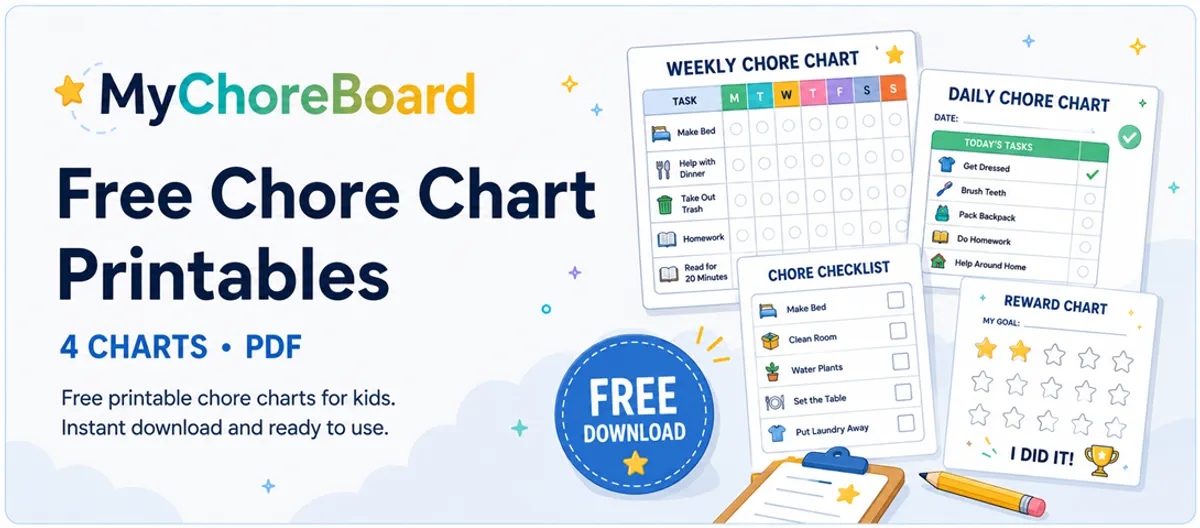
Free editable chore chart templates
Instead of downloading a generic example and handwriting everything after it prints, you can type your family’s actual chores directly into these templates first.
Choose a layout, fill in the task names, and click Print this chart. Your entries stay in your browser and are not saved or uploaded.
Free editable templates
Type your chores, then print your chart
Choose a template below, type directly into the chart, and print it with your family's tasks already filled in. Nothing you type is uploaded or saved.
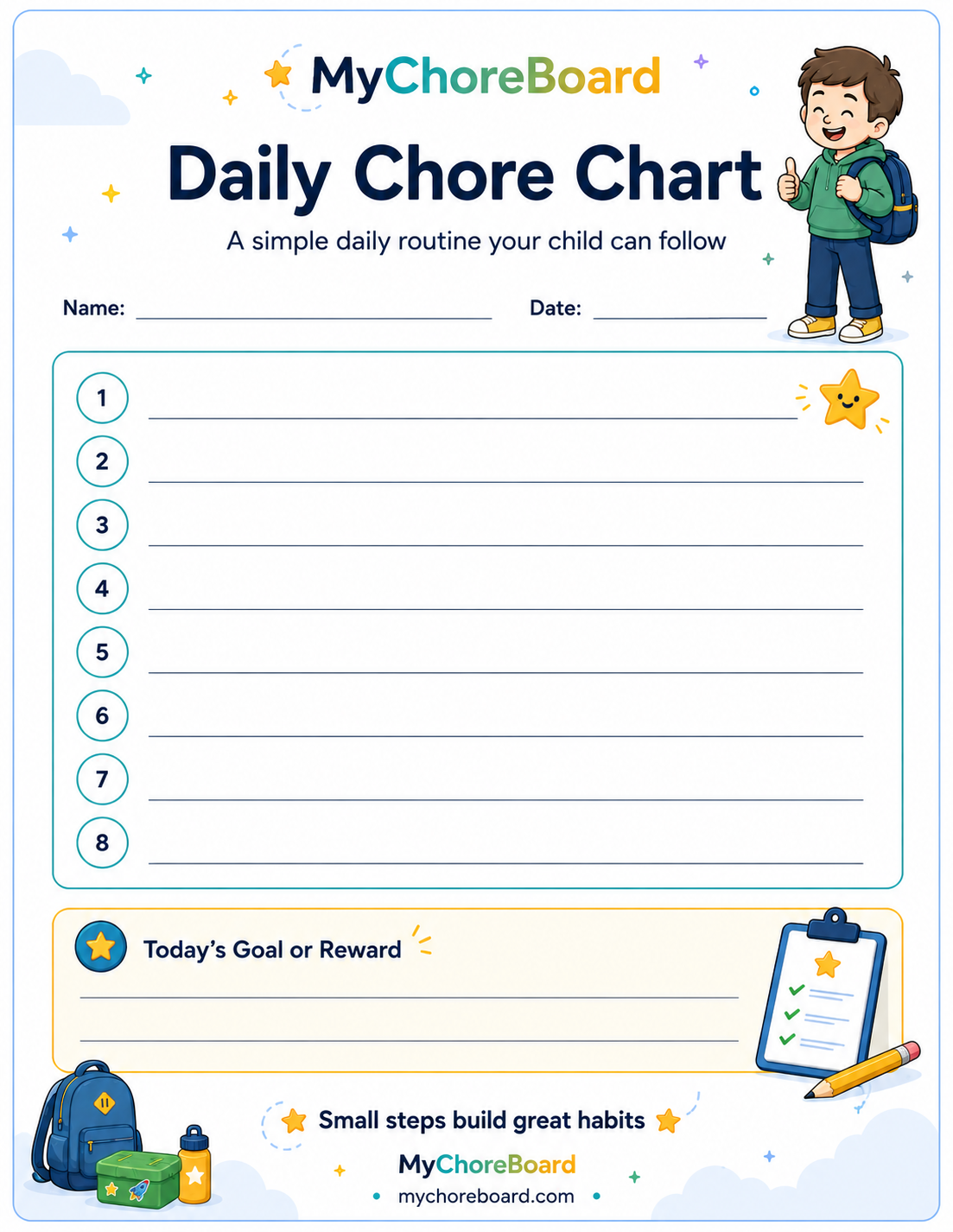
Prefer a blank PDF?
You can still download the four-page blank pack if you would rather write on the chart by hand:
What is included?
Picture-friendly daily chore chart
The daily template is designed for a short routine. Type in the tasks your child needs to complete, print it, and use checkmarks, stickers, or a dry-erase sleeve to mark each one.
Weekly chore chart
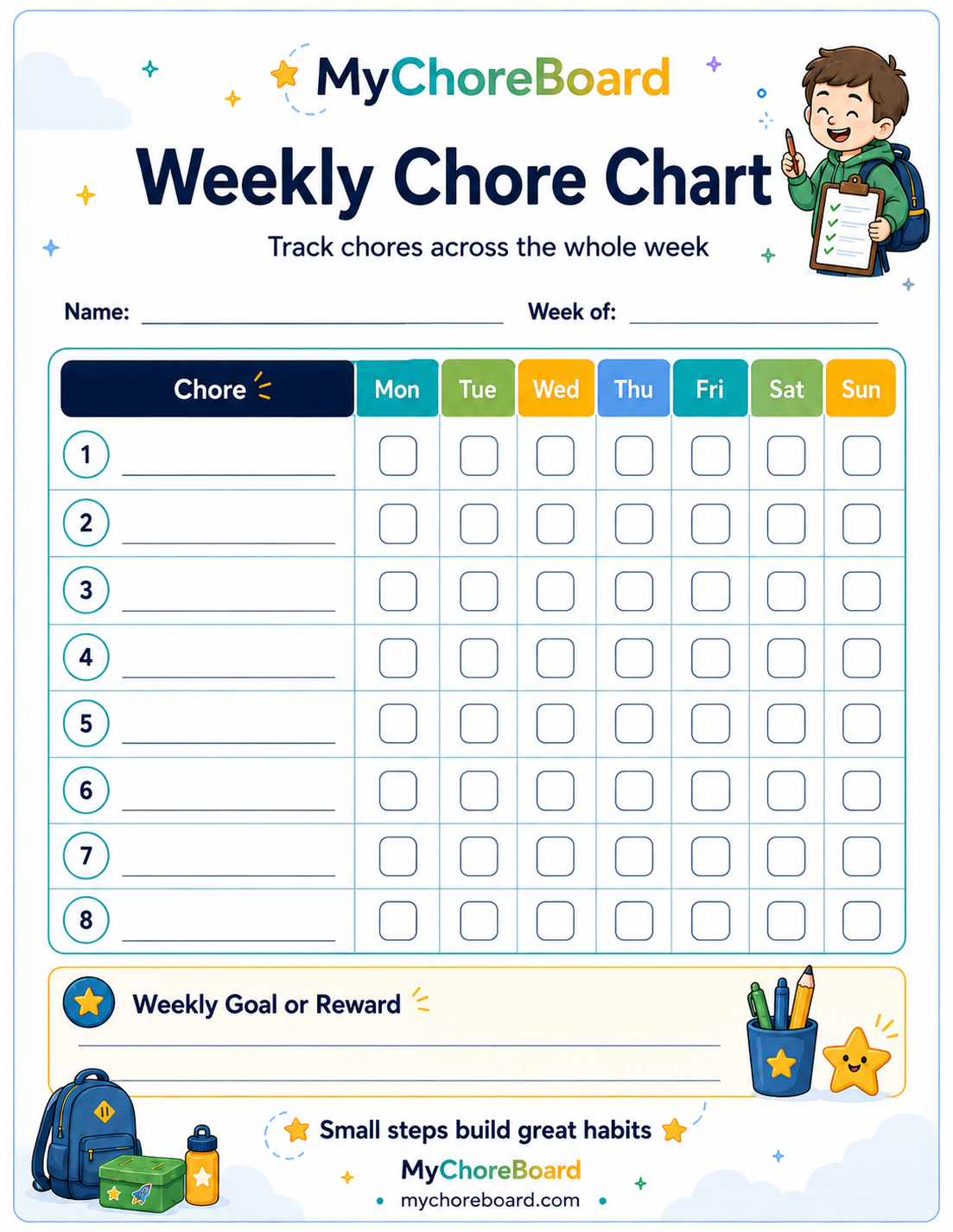
The weekly template puts chores down the left and the days of the week across the top. It works well when the same responsibilities repeat through the week.
Points and rewards chart
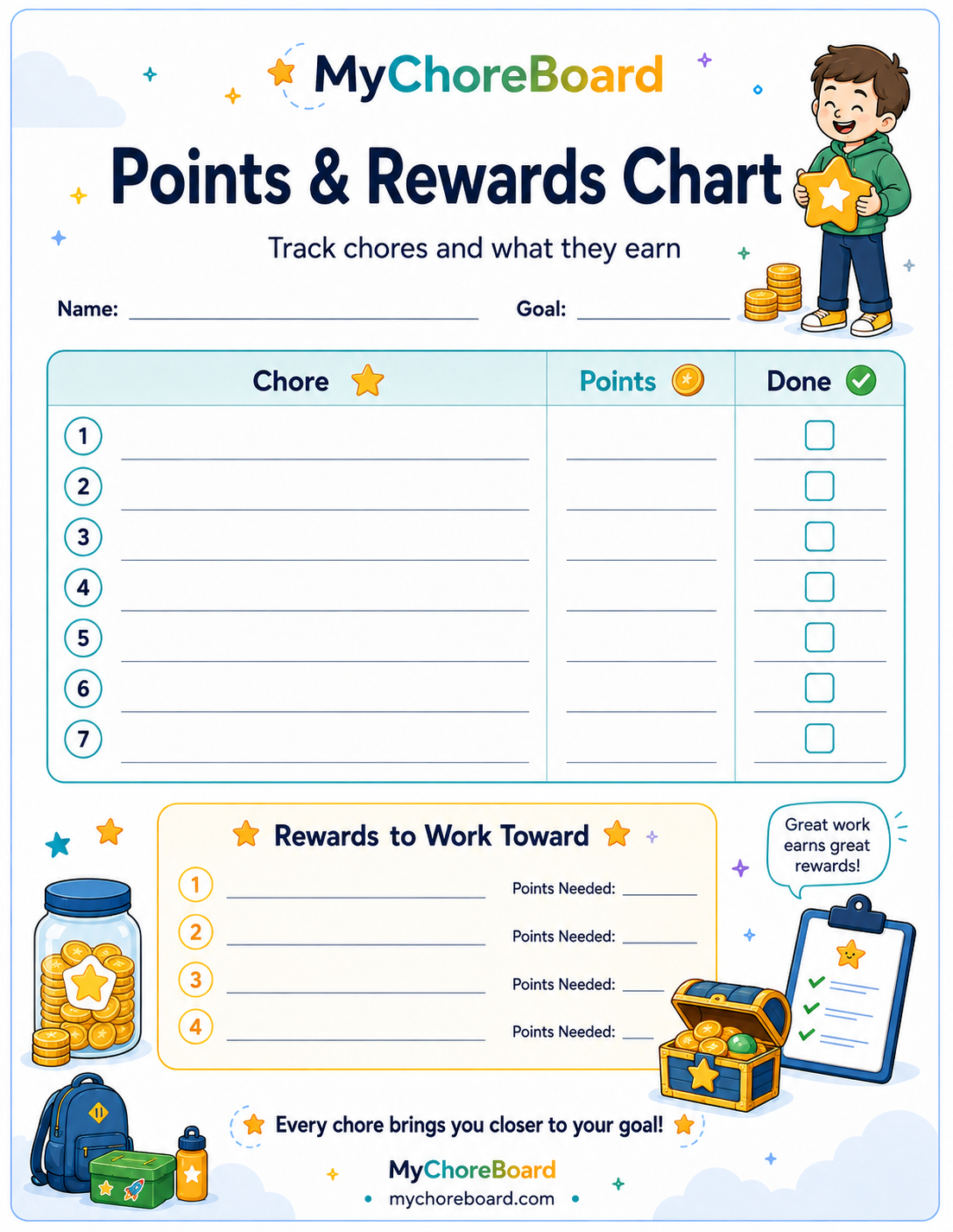
This template lets you type chores and point values before printing, then add rewards the child is working toward. It is useful when several responsibilities contribute toward privileges, experiences, or other rewards.
Multi-child family chart
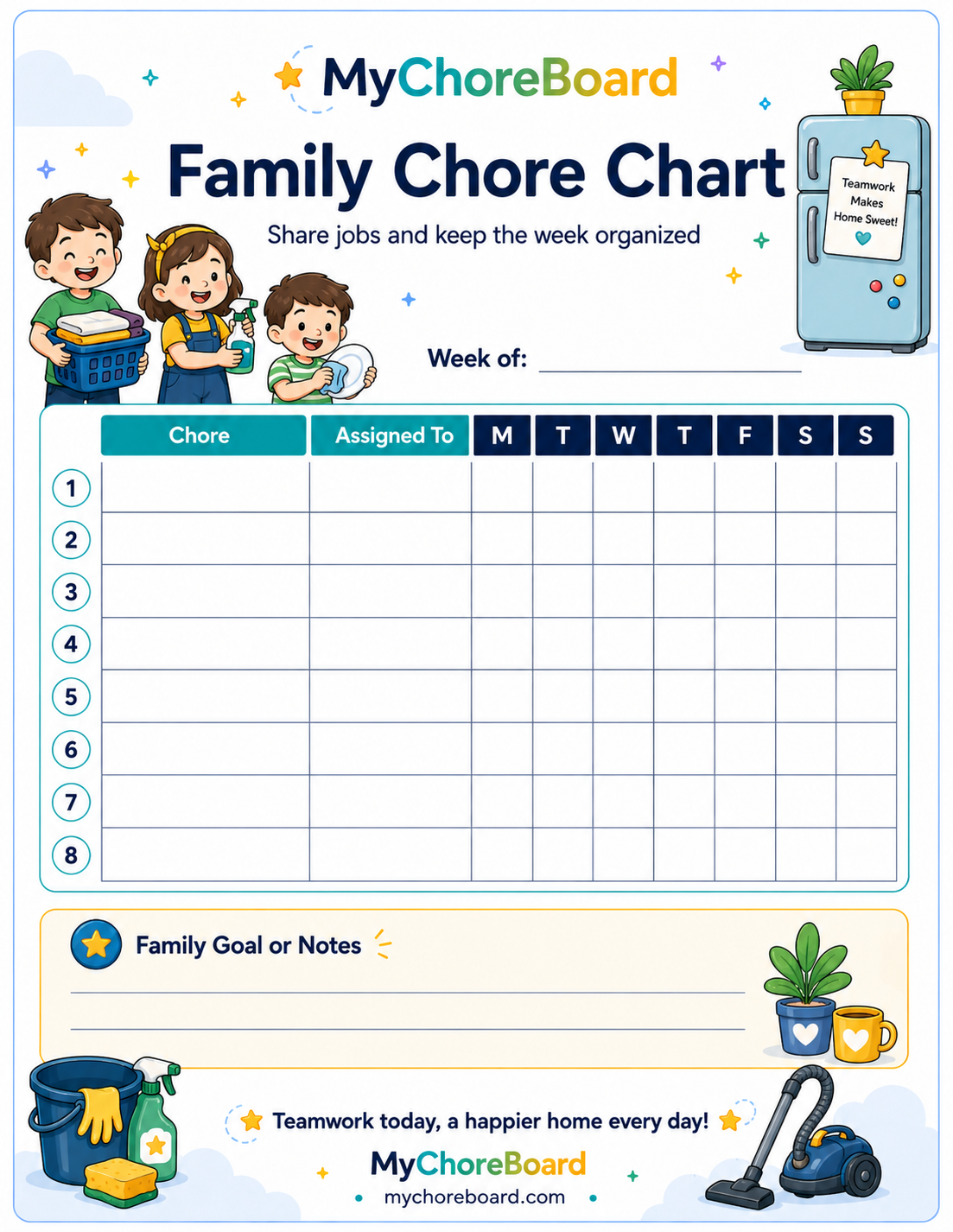
The family template lets you type each household job and who is responsible for it. This is useful for rotating jobs such as dishes, trash, pet care, laundry, or setting the table.
Pros & Cons at a Glance
| Option | Pros | Cons | Best For |
|---|---|---|---|
| Printable chore chart | Fast to understand, visible, tactile, no device required | Parent resets and updates it manually | Simple routines, younger kids, families that like paper |
| Digital chore app | Recurring schedules, automatic points, separate child views, easy changes, interactive feedback | Takes a little setup and requires access to a device | Changing schedules, multiple kids, rewards, families tired of rewriting charts |
| Whiteboard / dry-erase chart | Reusable, highly visible, easy to customize | Can become cluttered and still needs manual resetting | One central household location |
| Hybrid system | Keeps a visible physical overview while digital handles the details | Two places to maintain if you overcomplicate it | Families that want both visibility and automation |
Which printable chore chart should you use?
| Your situation | Best printable |
|---|---|
| Younger child or non-reader | Picture-friendly daily chart |
| Same chores repeated through the week | Weekly chore chart |
| Chores tied to points, privileges, or allowance | Points and rewards chart |
| Two or more kids sharing household jobs | Multi-child family chart |
What Sticks at Different Ages
At every age, the right chore system should make expectations easier to understand and gradually give the child more ownership.
Younger kids
Younger children often respond well to visible, immediate feedback. Stickers, checkmarks, magnets, pictures, and large icons all make an abstract responsibility feel concrete.
A printable can be excellent here because the interaction is tactile. A good digital app can be engaging for the same reason: tapping a completed chore, seeing a visual confirmation, watching points change, and seeing a desired reward can make the routine feel more responsive than a static list.
Elementary-age kids and tweens
As children handle more responsibilities, they may benefit from a system that lets them see what is left, what they have earned, and what they are working toward.
This is where digital can become particularly motivating. A well-designed child interface can turn chores into a short sequence of small wins instead of one long parent-written list.
With MyChoreBoard, children can check off their own tasks, see their point balance, browse the rewards available to them, and choose optional Bonus Tasks when they want opportunities to earn more.
Teens
Older kids often need less decoration and more independence. The value of digital is not that chores become a game; it is that expectations can be available without the parent repeatedly delivering them verbally.
A printable or whiteboard can still work perfectly well if the routine is stable and the teen actually checks it.
How to set up a printable chore chart
1. Pick one routine first
Morning or bedtime is often easier than trying to cover the whole day. Choose the part of family life where repeated reminders are happening most often.
2. Add only a few chores
A template with eight rows does not mean you need eight chores. Start with a small number of responsibilities the child understands and can complete.
3. Use concrete language
“Get ready” is vague. “Get dressed,” “brush teeth,” and “put lunch in backpack” are clearer.
4. Put the chart where the routine happens
A morning chart can live near the breakfast area, bedroom door, or family command center. A household chore chart may work better on the refrigerator.
5. Decide how completion is marked
Checkmarks are simple. Stickers make the chart more tactile. A page protector or laminated sheet can turn the same printed chart into a reusable dry-erase version.
Stickers, checkmarks, points, or allowance?
The marking system should match what you are trying to teach.
Checkmarks are enough when the goal is simply remembering the routine.
Stickers add a small layer of fun and immediate feedback for younger kids.
Points can make several chores contribute toward privileges or rewards.
Allowance can work when your family wants a direct money connection, although many families keep some responsibilities separate from paid jobs.
For reward ideas and structure, see How Positive Reinforcement Builds Motivation and Responsibility in Kids.
Common Parent Concerns (and Better Ways to Think About Them)
The original version of this article focused heavily on concerns parents have when moving from paper to digital. Those questions still matter.
“I don’t want chores to become more screen time.”
That is a reasonable concern.
A chore app should not encourage a child to sit and browse. The useful interaction is short and purposeful: check the routine, mark something complete, see progress, and move on.
A shared tablet can also act more like a household chore board than a personal entertainment device. MyChoreBoard’s WallBoard Mode is designed for that kind of central family display.
“What if kids just check off chores they did not do?”
No chart—paper or digital—eliminates the need for parenting and follow-through.
The advantage of digital is that the task list and points live in one consistent system. Parents can review activity and correct point balances when needed instead of trying to reconstruct a week of erased checkmarks or missing stickers.
The app should support accountability, not pretend to replace it.
“It seems too complicated to manage.”
A digital system can become too complicated if you load it with every possible responsibility on day one.
Start the same way you would with a printable: a few core chores per child. Once that routine works, recurring schedules and rewards can reduce maintenance rather than add to it.
“I don’t want younger kids frustrated by technology.”
The child interface matters.
For younger kids, large icons, clear sections, visual reward images, and simple completion controls can make a digital chart easier to understand than a dense weekly grid. MyChoreBoard also includes Big Icons Mode and Focus Mode for simpler child-facing use.
“Will an app replace our family routine?”
No. The app or printable is only the visible structure around the routine.
Parents still teach chores, check quality, encourage effort, celebrate progress, and decide which responsibilities matter.
Why a good digital chore app can be more engaging
The printable-versus-digital comparison is not only about parent convenience.
A good digital chore app can also be more engaging for the child.
Paper is passive. The chart looks almost exactly the same before and after a chore is completed. A child may add a sticker or checkmark, but most of the feedback has to come from the parent.
Digital can respond immediately.
With a well-designed app, completing a task can:
- Visually change the task from incomplete to complete.
- Update the child’s point balance immediately.
- Show progress toward rewards the child actually cares about.
- Keep optional Bonus Tasks visible without crowding the required routine.
- Use pictures and large controls for children who respond better to visual information.
- Turn milestones such as finishing a task or completing the day into small visual animations or celebrations.
- Give the child a sense that this is their list and their progress, rather than a chart maintained entirely by the parent.
That distinction matters. The best chore system is not simply the one a parent can maintain—it also has to be something the child will keep checking. Those little digital moments do not replace praise from a parent, but they can make completing and checking the chore chart itself feel more rewarding.
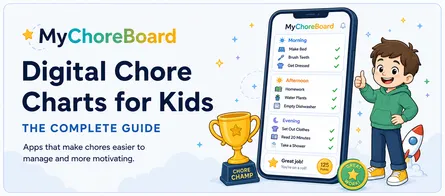
MyChoreBoard was built around that child experience as well as the parent setup. For a closer look at the interface, see Digital Chore Charts for Kids.
Why printable chore charts sometimes stop working
A printable usually fails for one of two reasons: the routine changed, or the chart became invisible.
School starts. Sports change. A child grows out of a task. The reward no longer matters. The sheet gets covered by other refrigerator papers. Parents stop resetting it because rewriting the same chores becomes tedious.
That does not mean a printable chore chart was a bad idea. It means the current version needs a reset.
Reprint and reset before you abandon it
When the chart starts getting ignored:
- Print a fresh copy.
- Remove chores that are no longer relevant.
- Reduce the number of tasks for a week.
- Let the child help choose how completion gets marked.
- Move the chart to a more visible spot.
- Refresh rewards or privileges if you use them.
A small visual change can make an old routine feel new again.
If the chart still is not getting checked
If refreshing the printable does not help, ask who stopped using the system.
If the parent is tired of rewriting chores, totaling points, or keeping several children’s charts current, digital can solve a maintenance problem. If the child has simply stopped noticing the sheet, a more interactive format may help refresh the experience through immediate feedback, visible reward progress, Bonus Tasks, and completion celebrations.
The point is not to abandon paper at the first sign of boredom. Keep the routine if it still works; refresh the experience if the format no longer does.
When a digital chore chart becomes easier
Digital starts to make more sense when you are repeatedly doing work the system could remember for you:
- Rewriting recurring chores
- Maintaining different schedules for multiple kids
- Changing weekday and weekend routines
- Tracking points and reward balances
- Managing optional extra chores
- Updating assignments without printing a new page
MyChoreBoard lets parents create recurring schedules, assign chores to children, set points, create rewards, and give kids their own child-friendly task view. It works on the web, iPhone/iPad, Android, and Amazon Fire tablets, and WallBoard Mode can turn a shared tablet into a family chore display.
Printable versus digital chore charts
| Feature | Printable | Digital |
|---|---|---|
| Fast first setup | Excellent | Good |
| No device needed | Yes | No |
| Tactile stickers/checkmarks | Excellent | Limited |
| Interactive feedback for the child | Mostly manual | Strong |
| Recurring schedules | Manual | Built in |
| Multiple changing routines | More maintenance | Easier to manage |
| Points and reward totals | Manual | Automatic |
| Easy to reconfigure | Reprint/edit | Edit in app |
| Shared family display | Refrigerator/wall | Tablet/WallBoard |
| Optional extra chores | Requires extra space/setup | Easy to keep separate |
A printable is not the “beginner” version of a digital chart. For many families it is the right permanent solution.
The real question is whether the system remains easy enough for the parent to maintain and engaging enough for the child to keep using.
Real-World Examples: What Works for Different Families
Every household runs a little differently, so the best system depends on both the routine and how much maintenance the family can sustain.
A younger child learning a morning routine
Start with the editable daily printable and type in only the few steps that matter: get dressed, brush teeth, put pajamas away, pack backpack.
If the child loves stickers and keeps checking the sheet, there may be no reason to change.
If the paper becomes background noise, a visual digital child interface may make the same routine feel new and more interactive.
A family with two or three kids
Separate printables can work when each child’s routine is simple.
As the schedules become different by day, the parent may spend more time rewriting charts than the children spend checking them. That is where recurring digital assignments become valuable.
A family that loves a central refrigerator chart
Keep it.
A physical chart has excellent household visibility. If you later need automatic points or more complicated schedules, use the physical chart as the overview and let digital handle the details behind it.
A child strongly motivated by rewards
Both formats can work.
On paper, use the points-and-rewards printable so the child can see what each chore contributes.
Digitally, points can update automatically and the child can see available rewards immediately. For some kids, that faster feedback loop is substantially more motivating than waiting for a parent to total a paper chart.
The most successful system is not the one with the most features. It is the one that remains visible, understandable, and worth checking after the novelty wears off.
Frequently Asked Questions
Yes. You can type into the templates and print them without registration. Blank US Letter and A4 PDF versions are also available.
No. The editable printables are filled in directly in your browser for printing. The text is not uploaded or saved by the template.
Use a daily chart when the child needs a short visible routine, such as morning or bedtime. Use a weekly chart when you want to see repeated or rotating chores across several days.
They can be. Some kids are more motivated by tactile stickers and checkmarks, while others respond better to interactive completion, automatically updated points, visual rewards, and having their own child-facing task list. The best format depends on what the child actually keeps checking.
First try refreshing the printable: simplify the chores, move the chart, update rewards, or let the child help change how progress is marked. If the routine still makes sense but the parent is tired of maintaining the chart or the child has stopped checking it, digital can be a useful next step. Multiple kids, recurring schedules, changing routines, manual reward totals, and a desire for more interactive feedback are common reasons digital becomes easier.

Ready to try MyChoreBoard with your kids?
Install on any phone, tablet or computer. Free with no sign-in hoops.