Make Rewards Feel Real: Add Photos to MyChoreBoard Rewards
- Jacob Volk
- Product Updates
- 14 Nov, 2025
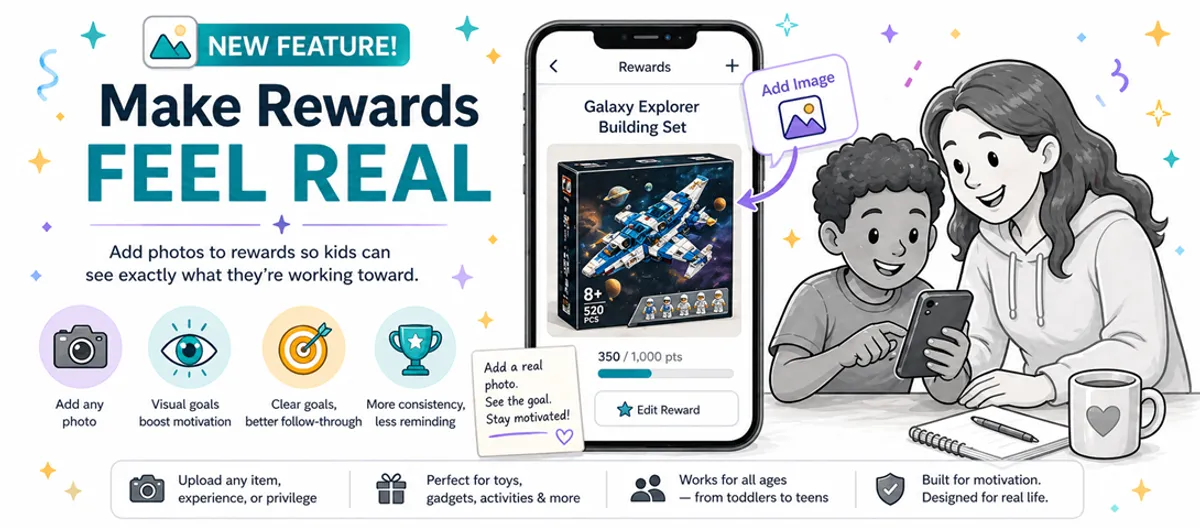
Kids stay motivated longer when they can see the reward they’re earning.
That’s why we’re excited to introduce one of our most requested features:
Add Images to Rewards — a simple upgrade that makes rewards feel real, visual, and exciting.
Whether it’s a LEGO set, a new book, art supplies, earbuds, or an ice cream outing, adding a photo helps kids instantly connect their daily chores to a meaningful goal.
Why we built this (and why it matters)
Parents told us:
- “My child forgets what they’re saving for.”
- “They respond better when they can see the actual item.”
- “Visual rewards work better for non-readers.”
- “My older kids want to see the specific thing they’re earning.”
So now, you can attach a real product photo or image to any custom reward.
It makes rewards:
- Concrete, not abstract
- Visible, not imagined
- Motivating, not easily forgotten
This tiny change creates a huge shift in follow-through — especially for younger kids, tweens, and neurodivergent learners who benefit from visual cues.
How it works (fast + parent-friendly)
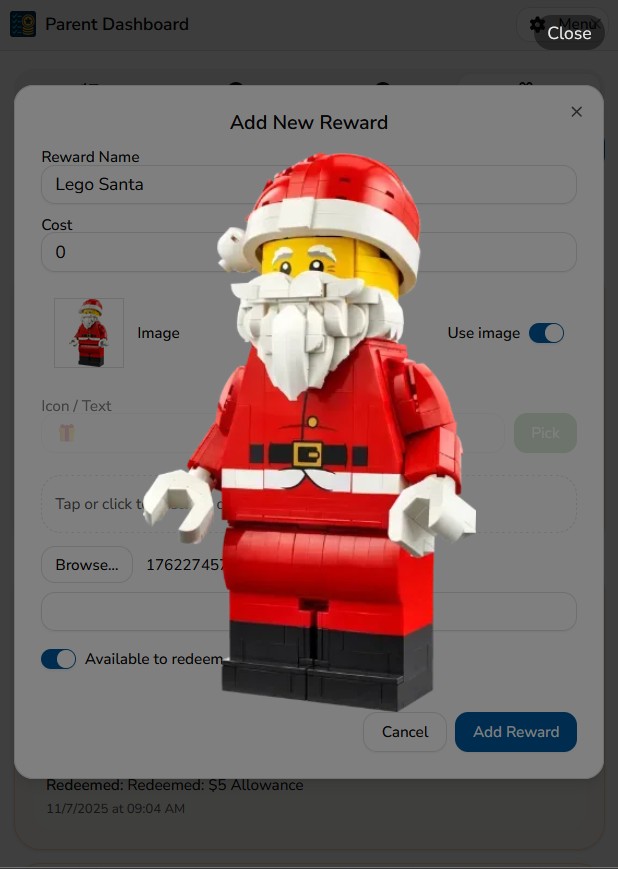
Adding a photo takes just a few seconds:
- Go to your Rewards screen
- Tap New Reward (or edit an existing one)
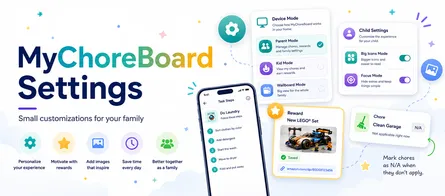
- Toggle Add Image
- Upload from your photo library, clipboard, or drag-and-drop
- Save — and the image appears instantly in your child’s dashboard
Your child will now see the reward’s thumbnail right where they track progress.
Perfect for product-based rewards
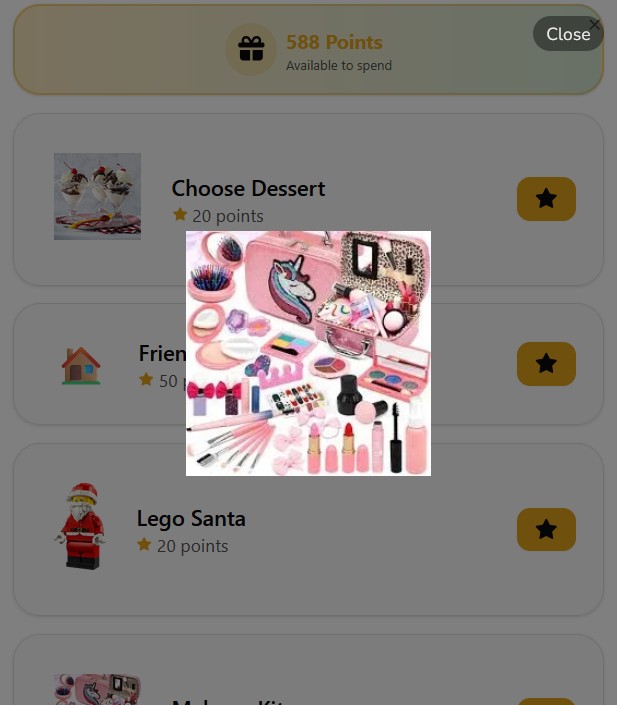
This feature shines when the reward is specific:
- LEGO kits
- Fidget toys
- Headphones
- Craft sets
- Books
- Collectibles
- Clothes or accessories
- Gift cards
- Subscriptions
- Game add-ons
Kids stay laser-focused when they see the actual thing they’re working toward.
Turn a reward image into a visible Savings Goal
Reward images can now stay visible while a child completes chores.
When a parent enables Savings Goals for a child, the child can choose one existing reward from the Rewards tab. That reward then appears near the top of the Tasks screen with its image, points remaining, and a visual progress bar.
This connects the picture of the reward directly to the daily work required to earn it. The child can expand the Savings Goal card to see the full image or collapse it into a smaller reminder that takes up less space.
Learn more: How Savings Goals and the new child interface keep kids motivated.
Works beautifully with our age-appropriate reward guides
Under each age-group post (toddlers, elementary, tweens, and teens), you’ll now see product ideas.
With this update, you can add those exact products into MyChoreBoard as custom rewards — complete with the image.
Make rewards feel real.
With MyChoreBoard’s new Add Image to Reward feature, you can upload photos of any product — giving your child a clear visual goal that boosts motivation instantly.
👉 See the full age-appropriate reward series.
Examples: A few items parents commonly save as photo rewards
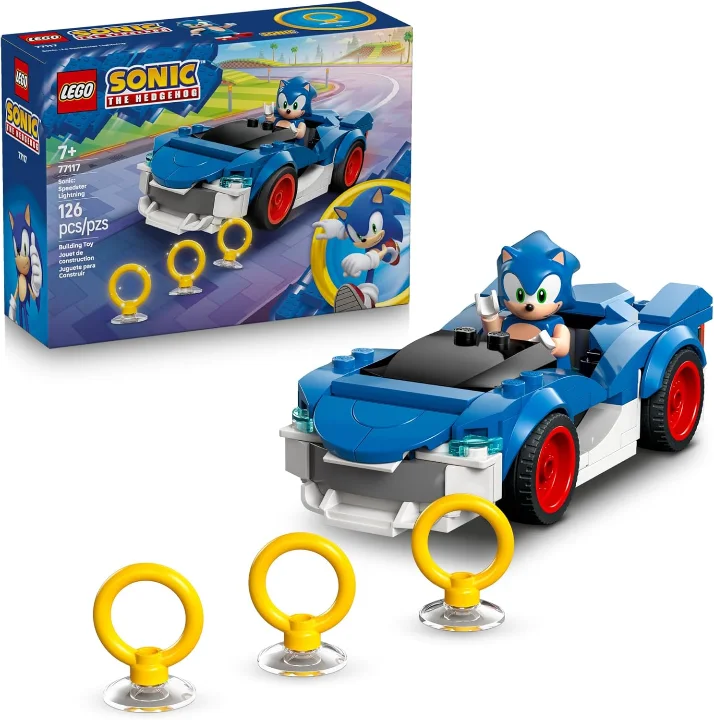
LEGO kit
Perfect for younger kids — visual, exciting, and instantly motivating.
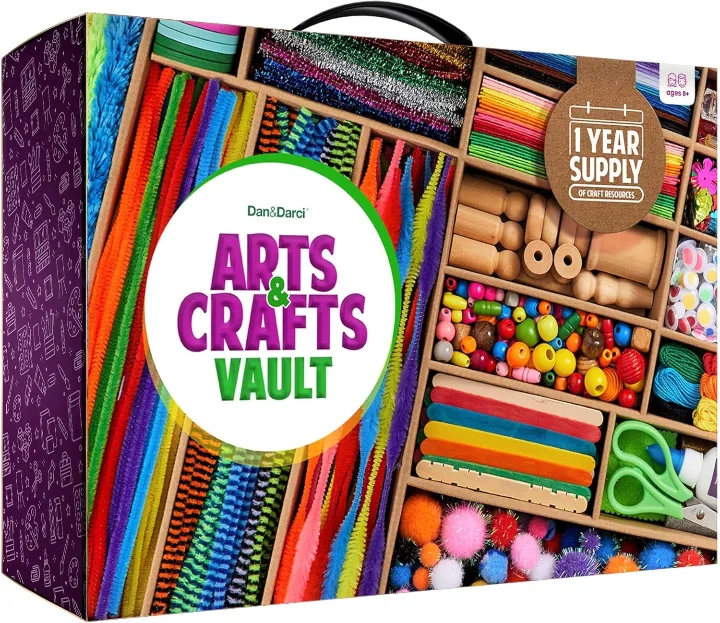
Art + Craft Kit
A fun, creativity-boosting reward that photographs beautifully.
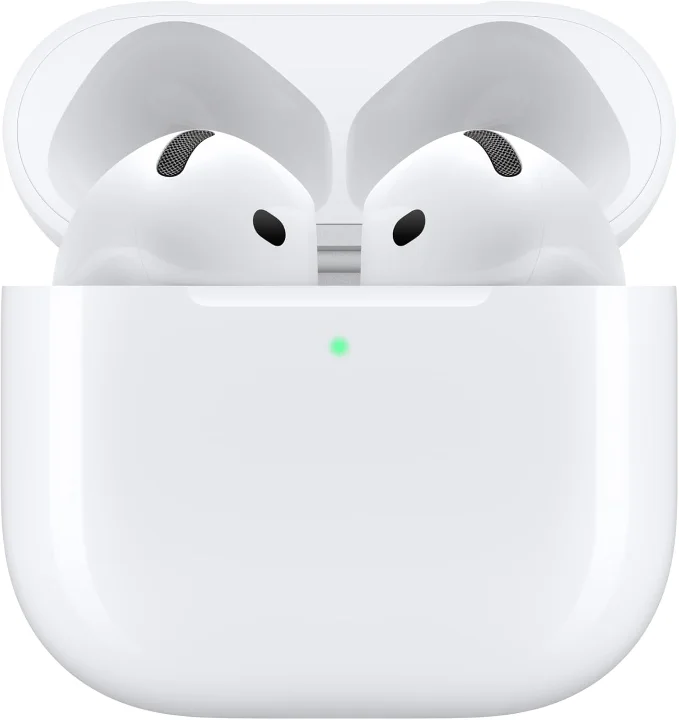
Apple AirPods 4
A great choice for teens and tweens — and extremely motivating.
Affiliate Disclosure: As an Amazon Associate, we earn from qualifying purchases.
Why this motivates kids so effectively
Visual rewards support:
- Internal motivation
- Clear goal-setting
- Consistency and routine
- Reduced reminding and nagging
- Better progress tracking
- More independence
One early parent tester told us:
“When my son sees the picture every day, I don’t have to remind him anymore. He knows exactly what he’s working toward.”
How to make the most of this feature
- Add multiple images over time to keep motivation fresh
- Use specific items, not general categories
- Let your child help choose the photo
- Pair pictures with realistic point values
- Remove old rewards to avoid clutter
Frequently asked questions
Yes. Kids see the image next to the reward name. If the reward is selected as a Savings Goal, its image can also appear in the Savings Goal card on the Tasks and Rewards screens.
You can upload any image: photos you snap, screenshots, product shots, or anything from your gallery.
No — points, costs, and redemption work exactly the same. The image simply adds clarity and motivation.

Ready to try MyChoreBoard with your kids?
Install on any phone, tablet or computer. Free with no sign-in hoops.